


Webflow vs WordPress for a business website in Belgium: the short answer
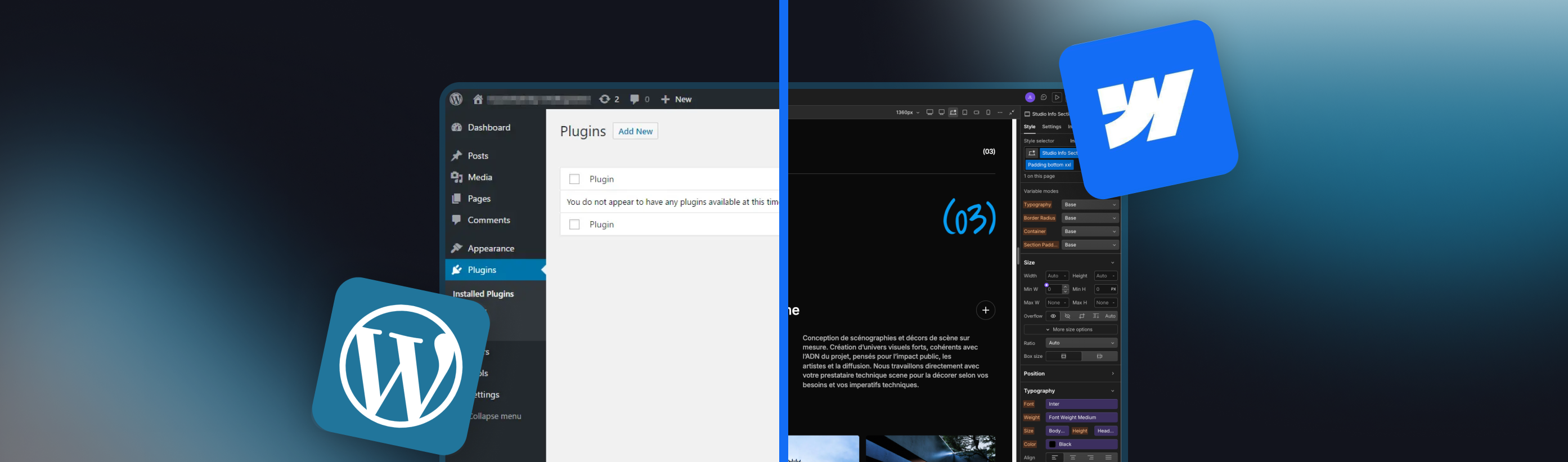
If you are building a showcase website for an SME in Belgium and just need a fast, reliable answer: choose Webflow if you want hosting, security and content management bundled into one subscription with no server to manage, and choose WordPress if you need a very large content library, a highly specific plugin, or the lowest possible entry cost and are ready to manage updates yourself. Most business showcase sites in Belgium fit the first case, which is why Webflow is JAK’s default recommendation, though WordPress is not ruled out when a project genuinely calls for it. See our Webflow website development service for what that looks like in practice. The rest of this comparison lays out exactly why, with sourced facts, not opinion.
Side-by-side comparison
| Criterion | Webflow | WordPress (self-hosted) |
|---|---|---|
| Total cost of a simple business site | Site subscription only, from 15 to 39 dollars a month depending on plan, hosting included | Free core software, but hosting, theme and plugins commonly add up to 300 to 800 dollars a year |
| Security and maintenance | Handled by Webflow, no plugin updates to track | Core, theme and every plugin need regular updates; a missed patch is the most common way WordPress sites get hacked |
| Content management | Native visual CMS, no plugin needed for most business sites | Native post and page editor, extended by page-builder plugins for anything visual |
| Design and customization | Full visual control over every pixel, no theme structure imposed | Depends entirely on the chosen theme and page-builder plugin, quality varies widely |
| Ease of use | A short learning curve for its own visual paradigm, then fast for non-technical editors | Familiar block editor for basic edits, but real customization still needs a developer or a well-built theme |
| Extensibility | A curated app marketplace, narrower but consistent | Over 50,000 plugins, the widest ecosystem of any CMS |
| Multilingual sites | Native Localization add-on, from 9 dollars a month for up to 3 locales | Handled through a plugin, most commonly WPML (from about 39 euros a year) or the free Polylang |
| E-commerce | Native Ecommerce plans from 29 dollars a month, 2% transaction fee on the entry plan, waived from 74 dollars a month | WooCommerce, free and open source, the most widely used e-commerce plugin in the world |
| Performance out of the box | Fast by default, CDN and image optimisation included | Depends entirely on hosting quality and plugin discipline |
| Portability | Hosted on Webflow’s infrastructure only, exporting a live CMS site cleanly is limited | Runs on any host that supports PHP and MySQL, full ownership of the files and database |
| Best fit | Showcase sites, small catalogs, sites under a few hundred pages | Very large content sites, niche functionality via plugins, tight budgets with in-house technical staff |
Where WordPress genuinely wins
WordPress deserves credit on three points a Webflow-only agency will not always tell you. First, the entry cost: the core software costs nothing, and a simple site on shared hosting can run under 300 dollars a year, well below a Webflow subscription over the same period. Second, the plugin library: with over 50,000 free and paid plugins, WordPress can do things Webflow was never built for, from complex membership systems to highly specific booking or e-commerce workflows. Third, ownership: because WordPress runs on ordinary hosting, you can move it to any provider at any time; leaving Webflow means rebuilding, not just exporting.
Where Webflow wins
Webflow’s advantage is operational, not just visual. Hosting, SSL, a CDN and security patching are bundled into the subscription, so there is no server to secure and no plugin to keep current, which is the single most common source of WordPress security incidents. The visual CMS lets a non-technical team update most of a business site without a developer, and pages tend to load faster by default because the platform controls the whole stack. For a site with a few dozen to a few hundred pages, that combination usually beats WordPress on total time and risk, even when WordPress wins on raw monthly cost.
Design and customization
Webflow’s canvas gives full visual control over layout, spacing and interactions without being locked into a theme’s structure, closer to designing directly in a tool like Figma than filling in a template. WordPress’s design flexibility depends entirely on the theme and page-builder combination chosen for the project: a well-built block theme can rival Webflow, a generic theme with a bolted-on page builder usually cannot. The gap here is less about the CMS itself than about the specific build behind it.
Multilingual sites
JAK builds bilingual and multilingual sites by default, several client projects run in four to five languages (museums and tourism sites among them), using Webflow’s native Localization add-on: Essential at 9 dollars a month covers one to three locales, Advanced at 29 dollars a month covers four to ten. WordPress reaches the same result through a plugin, most commonly WPML (from about 39 euros a year for a single site) or the free Polylang for simpler needs. Both platforms can serve a multilingual site well; the practical difference is that Webflow’s localization is a first-party feature maintained by the platform, while WordPress’s depends on a third-party plugin staying compatible with every theme and plugin update.
E-commerce
Webflow’s native Ecommerce plans start at 29 dollars a month for up to 500 products, with a 2% transaction fee that disappears from the 74-dollar Plus plan onward. WordPress reaches e-commerce through WooCommerce, free and open source, the most widely used e-commerce plugin worldwide, with an extension ecosystem to match. JAK’s own service line is focused on showcase and marketing sites rather than high-volume online stores; for a project centered on e-commerce specifically, this comparison is a starting point, not the full picture a dedicated e-commerce build deserves.
Migrating between platforms
Content can move (text, images, and a similar page structure can usually be rebuilt), but there is no one-click import in either direction. A Webflow site is rebuilt on Webflow’s own components, not copied from WordPress’s database, and going from Webflow to WordPress is just as much of a rebuild. Budget a real redesign project, not a technical migration, whichever direction the move goes.
How JAK approaches this choice
Webflow is JAK’s default recommendation for a business showcase site, for the reasons set out above: bundled hosting, security and maintenance, and a faster launch for most SME projects. That does not put WordPress off the table. When a project genuinely calls for it, for example extending an existing WordPress site or covering a need this comparison shows WordPress handles better, JAK delivers that build too. The comparison above is written to help a prospect reach an honest decision, not to argue Webflow is always the answer.
Pricing, checked September 2026
Webflow’s Site plans, as published on webflow.com in September 2026: Basic at 15 dollars a month billed yearly (25 dollars billed monthly), no CMS included; Premium (which replaced the former CMS and Business plans in May 2026) at 25 dollars a month billed yearly (39 dollars billed monthly), with the CMS included. JAK builds a Webflow showcase site starting at 3,000 euros, hosting billed separately to Webflow at the rates above. For the full breakdown of what drives that starting price, see our website pricing guide.
WordPress core software is free and open source. Realistic small-business hosting, sourced from multiple 2026 hosting-cost guides: shared hosting from 3 to 10 dollars a month, managed WordPress hosting from 20 to 50 dollars a month for better reliability. Add a domain (10 to 20 dollars a year) and a professional theme plus essential plugins (commonly 200 to 400 dollars a year in licenses), and a realistic small-business WordPress site runs 300 to 800 dollars a year, before paying anyone to build or maintain it.
Add-ons for e-commerce and multilingual sites follow the same logic on both sides: Webflow’s Ecommerce plans start at 29 dollars a month (500 products, 2% transaction fee, waived from the 74-dollar Plus plan), and its Localization add-on starts at 9 dollars a month for up to 3 locales. WordPress reaches the same results through WooCommerce (a free core plugin) and WPML (from about 39 euros a year) or the free Polylang.
Which one fits your project
Best for a classic SME showcase site, a portfolio, or a small catalog: Webflow, for the bundled maintenance and faster launch. Best for a content site publishing hundreds or thousands of articles, or a workflow that needs a very specific plugin: WordPress, provided someone keeps it updated. Best for a multilingual site with a handful of locales and no in-house developer: Webflow, for the first-party localization. Best for a large or highly specific e-commerce catalog: WordPress with WooCommerce, for the extension ecosystem. Best on the smallest possible budget, with a technical person on staff or on call: WordPress, self-hosted, using the free core software. Best if you want to never think about hosting, updates or security again: Webflow.
Methodology and sources
Webflow pricing was read directly from webflow.com’s pricing page in September 2026. WordPress hosting and running-cost figures come from several independent 2026 hosting-cost guides (Bluehost, Freshy Sites, DesignRush, 24x7 WP Support), cross-checked for consistency rather than taken from a single source. Ecommerce and Localization add-on pricing come from Flow Ninja’s 2026 Webflow pricing guide. WPML pricing comes from Findstack’s 2026 WPML pricing page. JAK’s own Webflow build price is JAK’s published rate at the time of writing. This page will be re-checked every quarter, or sooner if either platform changes its pricing.